Identify the Siemens ET 200SP BaseUnit under a working I/O module. Check the full order code, terminals and potential group before requesting a spare.
A broken terminal on a Siemens ET 200SP station can belong to the BaseUnit. A replacement electronic module alone will leave that terminal in place. Identify the part that stays attached to the rail.
Trace the potential group
Record the exact order numbers on both pieces and the slot shown on the station drawing. Some BaseUnits start a new potential group and others continue one. Colour helps identify a candidate, but the approved module and base combination determines compatibility.
A damaged base beneath a working card
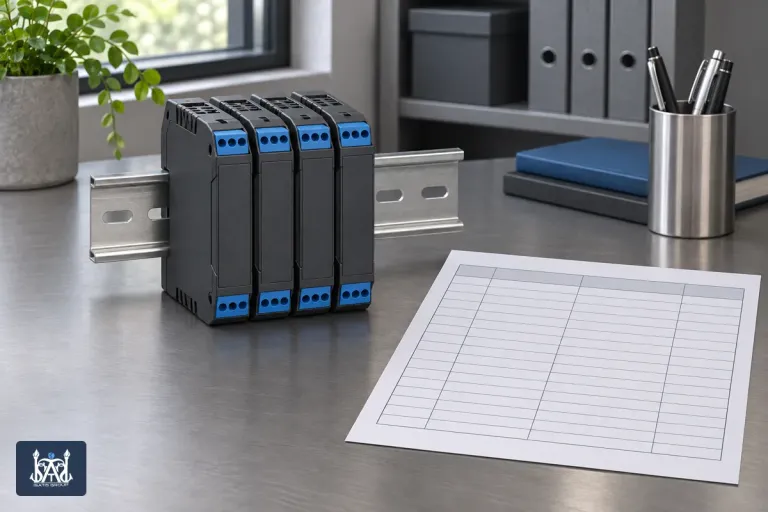
Maintenance sends a photograph of the analogue module. Ask for the code on its base and the adjacent group boundary. Quote the base separately so the buyer can retain the working electronics.
Enquiry checklist
| Item | What to record |
|---|---|
| Module | Complete electronic module code. |
| Base | BaseUnit code and terminal arrangement. |
| Location | Slot and potential group on the drawing. |
Check the quotation For Siemens ET 200SP BaseUnits marked BU…D or BU…B, the D version starts a potential group and the B version continues it. Put the full BaseUnit code on the enquiry, particularly when neighbouring slots look alike.
Check whether the terminal accessories arrive with the base. List any optional replacement electronics on a separate line.
Sample enquiry to ISATIS
Please quote the BaseUnit for the marked ET 200SP slot. Identify the compatible module, terminal type and potential group arrangement.